App Compliance Monitor
Identify privacy and compliance issues before release
Scan your mobile apps for potential GDPR, app store, and SDK issues, with clear findings and remediation guidance for privacy and development teams.
Reports ready in hours. No manual testing required.
Trusted by enterprises and publisher networks worldwide









Insights from your app compliance scan
Each scan surfaces SDK activity, permissions, consent flows, and data practices that may require attention.
App store readiness
Identify potentially problematic consent flows, missing privacy disclosures, and risky SDK activity before submission.
More predictable release timelines
Find compliance issues earlier, reducing the risk of delays and last-minute rework during release cycles.
Reliable advertising signals
Detect misconfigured consent signals before they affect attribution, measurement, or monetization.
Regulatory readiness
Surface undisclosed data transfers and permission-handling issues so privacy and development teams can address them before audits or reviews.
Automated scanning helps surface issues manual checks can overlook.
See what happens after every user interaction
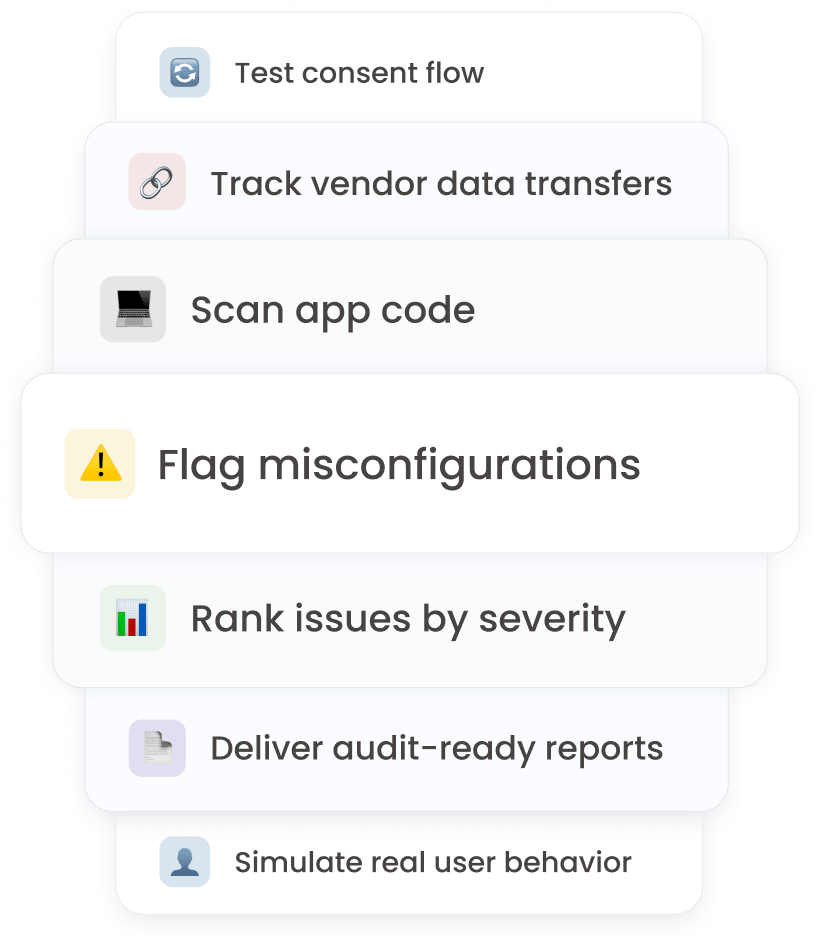
App Explorer runs on real devices and simulates user journeys, showing how consent flows, SDKs, and data transfers behave after each interaction.
Detect consent “accept” and “reject” buttons automatically
Confirm your consent flow works as intended and avoid app store rejection caused by missing or broken consent prompts.
Verify that consent choices are respected across flows
Ensure tracking activates only when permitted, reducing regulatory and reputational risk.
See which SDKs activate after each interaction
Identify unexpected vendor calls early, before they create compliance exposure.
Track real-time data transfers to third parties
Gain full visibility into outgoing data and address high-risk transfers before they escalate.
Find compliance gaps before they reach regulators
From upload to report in three steps
Upload your build
Submit your Android (APK) or iOS build directly in the dashboard.
Start automated scanning
Behavioral testing on real devices and deep static code analysis run in parallel.
Get your report
Get a ranked, actionable compliance report with clear remediation guidance.
Stay ahead of app compliance changes.
GDPR. CPRA. Apple ATT. IAB TCF. Google Play policies.
Identify new risks across regulations, SDKs, and app store requirements before they disrupt your roadmap.
Resources
Download the summary or browse the developer docs to see exactly how App Compliance Monitor works.
Developer docs
Integration and setup guide
Step-by-step instructions for uploading builds, interpreting scan results, and connecting Compliance Monitor to your CI/CD pipeline.
Combine monitoring with in-app consent management
Pair App Compliance Monitor with the Mobile Consent SDK to identify issues and manage consent directly within your app.
Show consent prompts at the right moment
Present consent requests at appropriate points in the user journey, based on your regional and regulatory requirements.
Maintain clear consent records
Store accept and reject decisions securely, giving privacy and legal teams reliable evidence for audits and reviews.
Connect consent to analytics and advertising
Pass consent signals to your analytics and advertising platforms, helping ensure tracking activates only when permitted.
Support major privacy frameworks and standards
Includes GDPR, CPRA, Apple ATT, IAB TCF v2, and Google Consent Mode v2.
Integrate across mobile platforms
Works with Android, iOS, Unity, Flutter, and React Native.
Compliance Monitor for apps FAQs
It scans both how your app behaves and what’s inside your code. You get real-time behavioral testing on real devices plus deep code analysis to detect SDKs, permissions, data transfers, and consent issues.
Yes. The scan flags consent misconfigurations, risky SDK behavior, and permission issues that could conflict with Apple or Google policies.
No integration required. Simply upload your Android (APK) or iOS build in the dashboard and scanning starts automatically.
Compliance Monitor identifies risks. The Mobile Consent SDK helps you implement compliant consent flows inside your app.
Scan your app before release
Upload your build and receive a prioritized report on privacy, SDK, consent, and app store issues within hours.