
Accessibility Widget
Accessibility Widget demo
This page shows how the Accessibility Widget can look on your website. End-users can click on the Accessibility icon in the bottom corner as displayed below.
Accessibility Widget icon
In the bottom right corner of your screen, you’ll see this icon for the consentmanager Accessibility Widget:

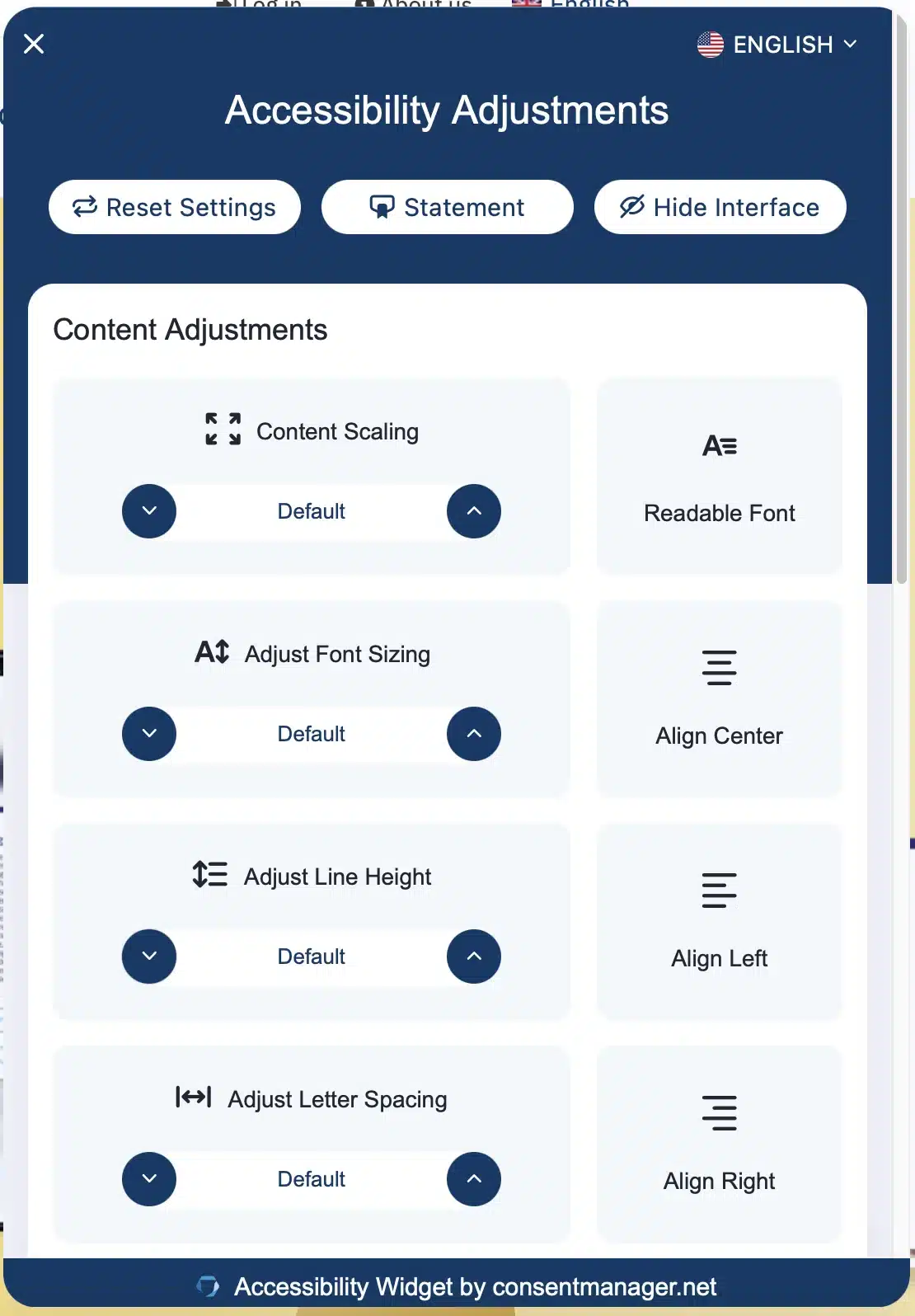
Click the icon to open the Accessibility Widget preferences panel. It should appear as shown below:
Video example
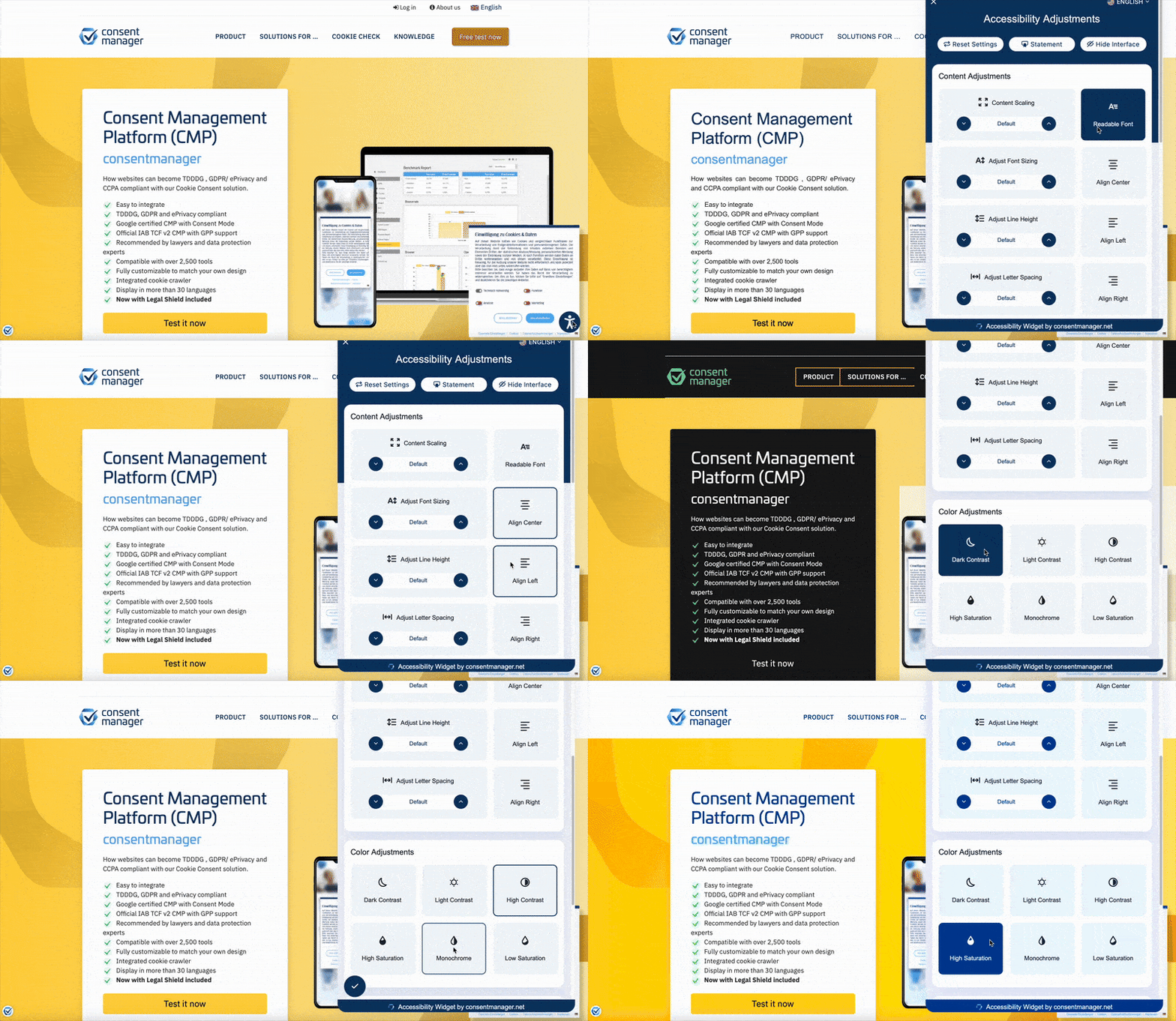
Here’s a short clip of our Accessibility Widget in action.
Give it a try!
Simply interact with the widget, select your desired adjustments, and watch your page elements transform with customizable color contrast, text adjustments, and more.
To revert to your original settings, simply click on “Reset settings” at the top left corner of the Accessibility Widget, as shown here: